One installation
Download your own game from Steam and set up CD keys and a modern engine.
Classic games / Evilchuck666
Your Steam copy of Quake III Arena, the Quake3e engine, classic mods and community maps, installed and launched from one desktop window.
Python · PySide6 · Linux / Windows / macOS
In use
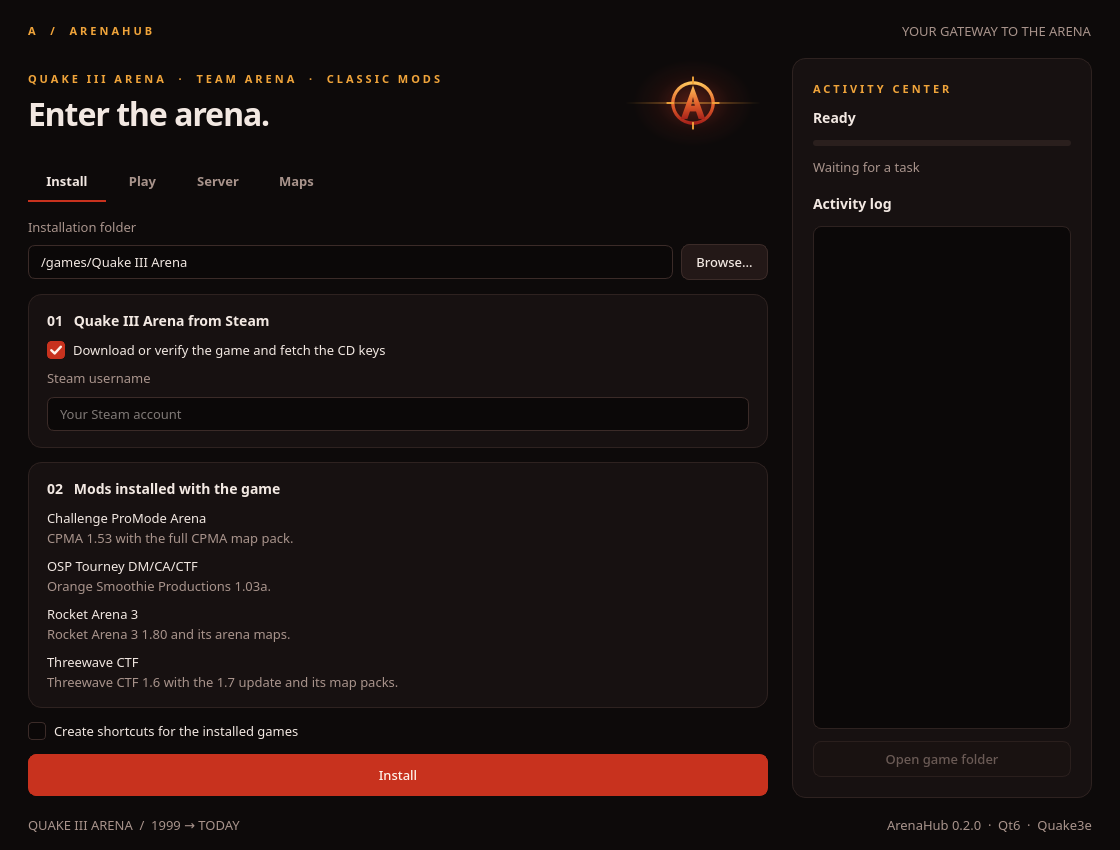
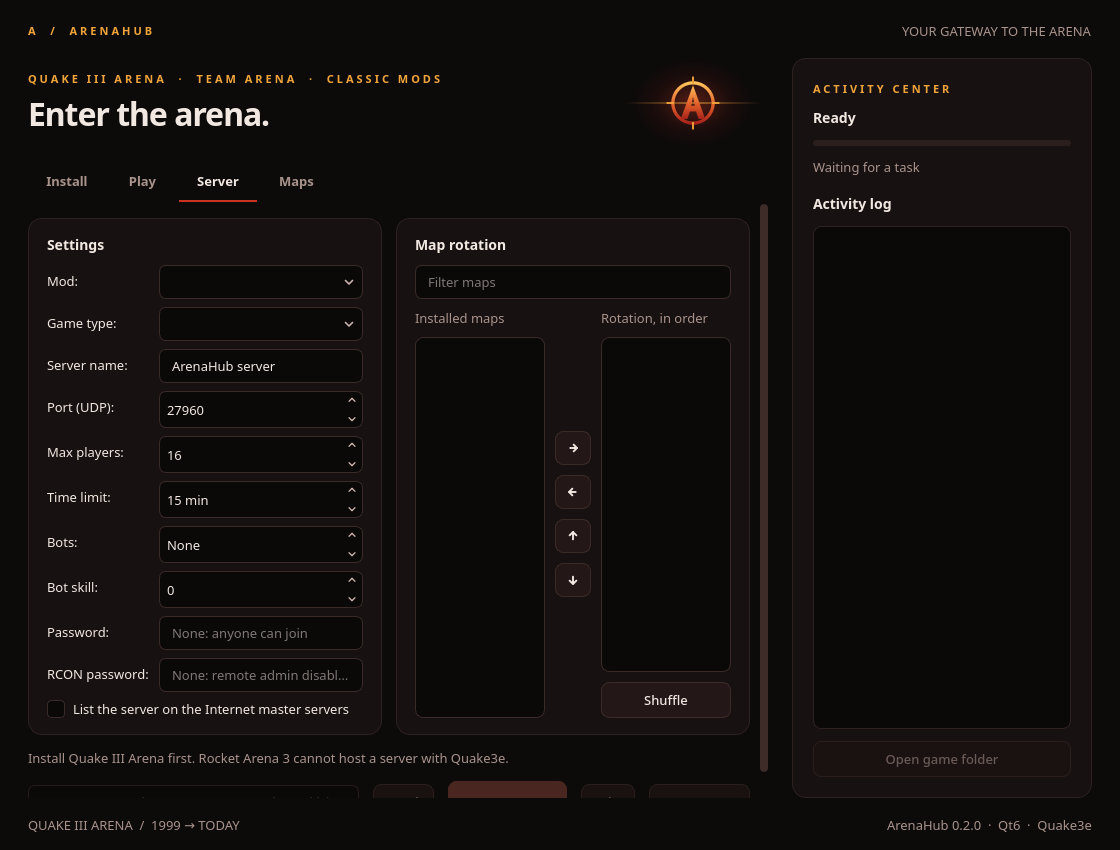
Download your own game from Steam and set up CD keys and a modern engine.
Play CPMA, OSP, Rocket Arena 3 and Threewave CTF, with 47 community map packs.
Set your player name, choose OpenGL or Vulkan, and configure a dedicated server for supported modes.
Get started
Install ArenaHub with one command, or download and extract the package for your system. Then open ArenaHub and sign in to a Steam account that owns Quake III Arena. Team Arena is available when your account owns the expansion. No Python installation needed.
GNU/Linux & macOS
curl -fsSL https://evilchuck666.github.io/ArenaHub/install.sh | sh
# or
wget -qO- https://evilchuck666.github.io/ArenaHub/install.sh | sh
Windows (PowerShell)
irm https://evilchuck666.github.io/ArenaHub/install.ps1 | iexArch Linux and derivatives get the arenahub-bin AUR package, other GNU/Linux systems the PyPI package through uv, and macOS and Windows the release executable. Either way you end up with a shortcut to ArenaHub, and the download is checked against its SHA-256 checksum. Read install.sh or install.ps1 first if you like.
SHA-256 checksums ↓ · Release notes & all downloads on GitHub ↗
Also in the AUR ↗ (arenahub-bin) and on PyPI ↗ (uv tool install arenahub).